








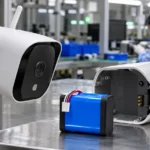













Wireless security cameras offer unmatched installation flexibility. However, having to climb a ladder to recharge them every few weeks completely ruins the convenience.
If your battery is dying weeks ahead of the manufacturer’s estimate, it is rarely due to a faulty battery. Hidden environmental factors and heavy settings are likely draining the power.
Is high-traffic motion triggering the main culprit?
Every time a car passes, a tree sways, or a stray animal walks by, your camera wakes up. It records the clip, activates its night vision, and uploads the video to the cloud.
This rapid, repeated wake-sleep cycle burns massive amounts of power. If your camera triggers dozens of times a day, the battery cannot survive long-term.
How to fix it:
Lower sensitivity: Drop your motion sensor sensitivity from high to medium or low.
Set activity zones: Mask out busy public streets, sidewalks, or moving trees in your app.
Shorten clips: Reduce the recording length from 60 seconds down to 10 or 15 seconds.
How does a weak Wi-Fi signal kill your battery?
A weak or unstable Wi-Fi connection forces the camera’s internal radio to work twice as hard. It continuously boosts its transmission power to maintain contact with the router.
When the signal drops, the camera gets stuck in a loop of resending data packets. This constant background struggle drains the battery faster than streaming video.
How to fix it:
Check RSSI: Look at your camera’s signal strength (RSSI) in the app; anything worse than -60 dBm needs attention.
Add an extender: Install a Wi-Fi range extender or a mesh node closer to the camera’s location.
Clear obstacles: Avoid placing the camera behind thick concrete walls or metal foil insulation.
Does extreme cold weather affect performance?
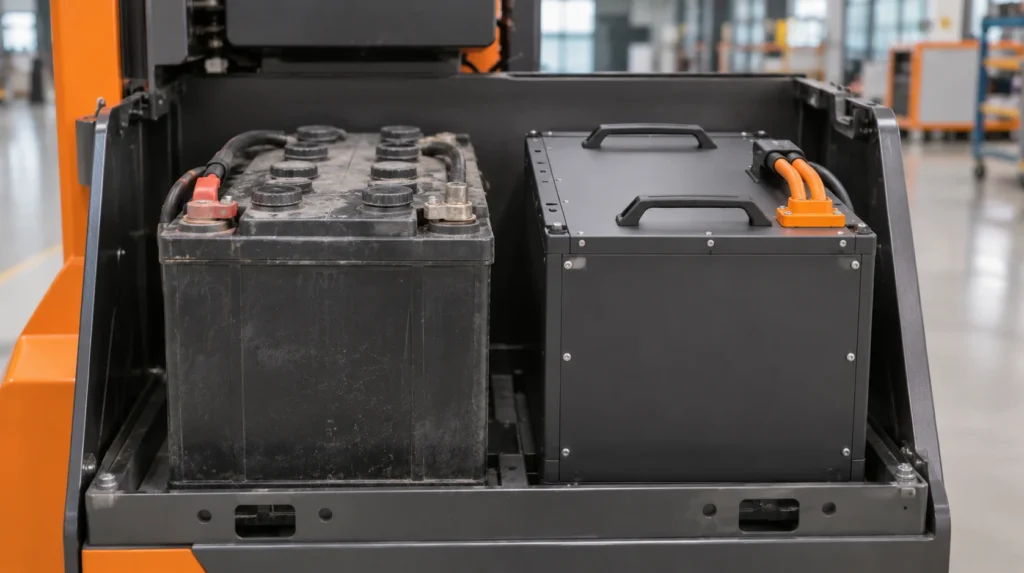
Most outdoor cameras rely on standard Lithium-ion batteries. Freezing temperatures slow down the internal chemical reactions, reducing the battery’s ability to hold a charge.
In temperatures below 0°C (32°F), a healthy battery can instantly lose up to 30% of its operating capacity. Furthermore, charging a lithium battery in freezing weather can cause permanent damage.
How to fix it:
Use silicone skins: Shield the camera body with a weather-resistant protective cover to trap basic operating heat.
Mount under eaves: Place the camera in a sheltered area out of direct, freezing winter winds.
Switch to LiFePO4: If you use a split solar system, choose Lithium Iron Phosphate batteries, which handle extreme temperatures much better.
What settings should you tweak immediately?
Live-view streaming through your phone app consumes immense power. Keeping the app open to monitor a live feed prevents the camera from entering its low-power sleep mode.
Using high-power infrared (IR) night vision or built-in spotlights also forces a heavy draw on the battery every night.
How to fix it:
Limit live views: Use the live stream function only when you receive an actual critical alert.
Optimize night vision: If the area has ambient street lighting, turn off the camera’s internal IR LEDs.
Lower resolution: Reduce the video quality from 4K to 2K or 1080p to compress data transmission size.
Quick Settings Optimization Checklist
| Problem Area | Heavy Power Drain | Battery-Saving Optimization |
| Motion Detection | High Sensitivity / No Zones | Low Sensitivity / Tight Activity Zones |
| Recording Length | 60 – 120 Seconds per clip | 10 – 15 Seconds per clip |
| Wi-Fi Connection | Weak Signal (Worse than -60 dBm) | Strong Signal via Extender (Better than -50 dBm) |
| Night Vision | Maximum IR Distance / Spotlight On | Ambient Light Usage / Spotlight Off |
| Video Quality | 4K / Maximum Bitrate | 1080p or 2K / Balanced Bitrate |
Should you consider a permanent hardware upgrade?
If you have optimized all your settings and the battery still drains too fast, it is time to change how the camera receives power.
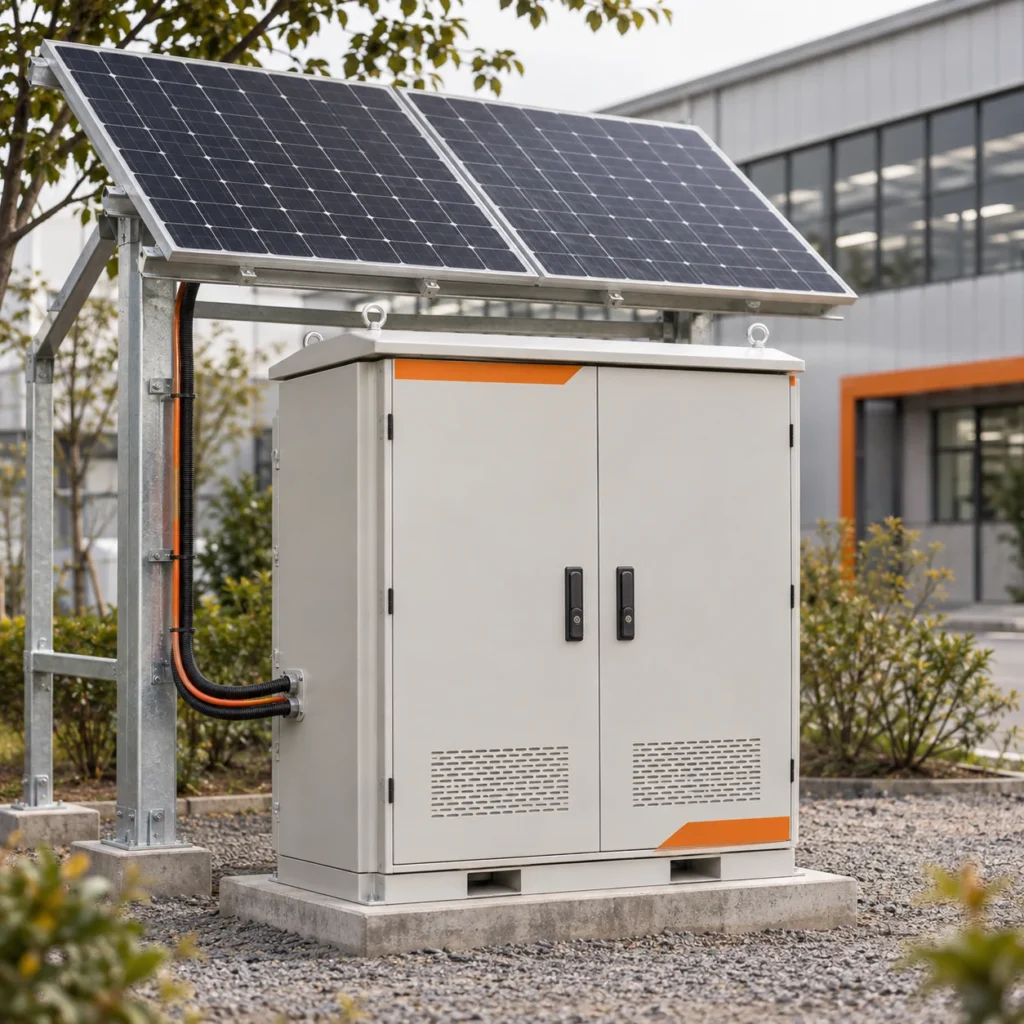
Instead of constantly dismounting the unit, install a small, dedicated solar panel accessory. A few hours of direct daily sunlight will keep the battery topped off indefinitely.